

Send weekly briefs to your team
Email your teammates a weekly AI summary of your user feedback, funnels and product tours, written for their job, with the next steps to take.
The weekly brief is an email that tells your team what happened in your product over the last seven days. Screeb AI writes it from your data, for the job of each recipient, and ends with the next steps to take.
Before you start
Section titled “Before you start”- AI features must be available for your workspace: without them, the page is not in the sidebar.
- To add, edit or remove recipients, you need the Editor or Admin role in the workspace. With the Analyst role, you see the list only.
- Recipients do not need a Screeb account: any email address works.
Add a recipient
Section titled “Add a recipient”- In the sidebar, under Analyze, click Weekly briefs.
- Click Add a recipient.
- Fill in First name, Last name and Email.
- In Role, type the job of the recipient, such as “Product Manager” or “Head of Sales”, or pick one already used in the list.
- Click Add. The recipient joins the list.
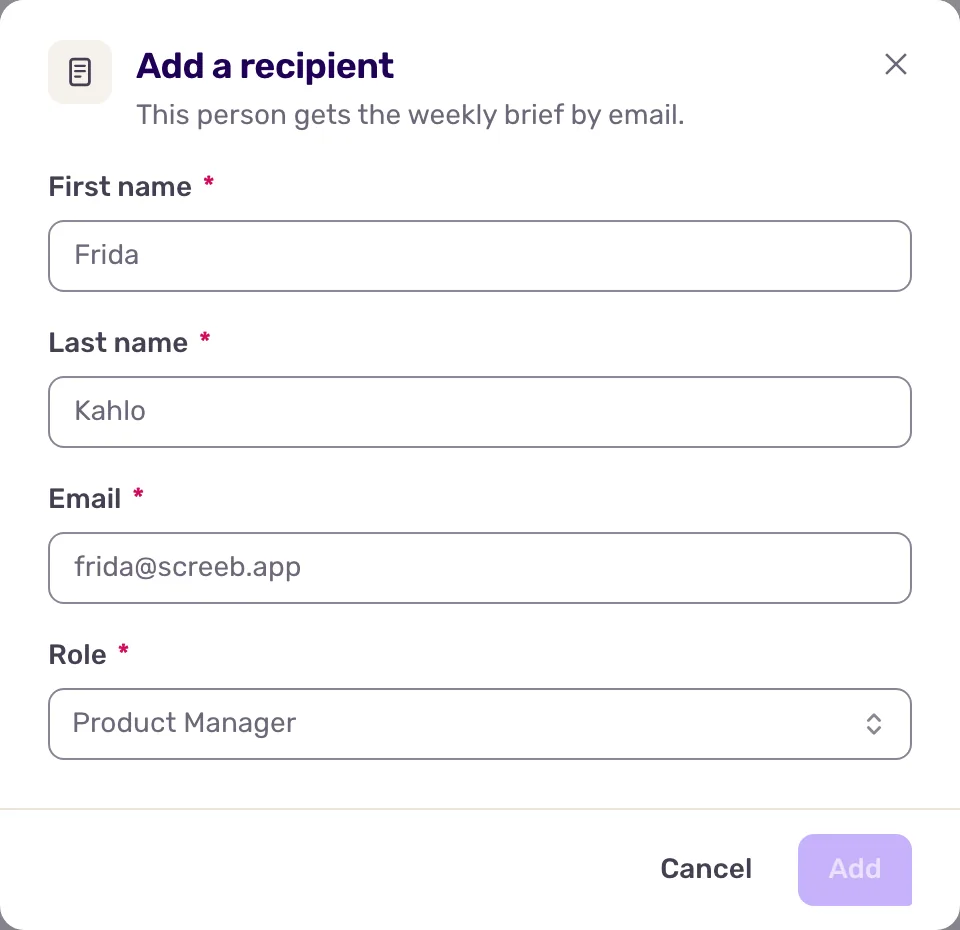
The role matters: the AI writes each brief for the job of the person who reads it, so be specific.
Manage recipients
Section titled “Manage recipients”- To change a recipient, click their name, or the Edit recipient icon at the end of the row.
- To stop sending to someone, click Remove recipient at the end of the row.
Recipients belong to a workspace. To brief a team on several products, add them in each workspace: they get one email per workspace.
Tune what the brief says
Section titled “Tune what the brief says”The organization’s AI settings let you set the format of the summary and what it should focus on, for every workspace of the organization. With the Admin organization role, open Weekly briefs, see Configure AI settings for your organization.
The brief is only as rich as your data. A workspace with funnels and surveys that ask open-ended questions gets a much more useful brief than one with ratings only.
What you get
Section titled “What you get”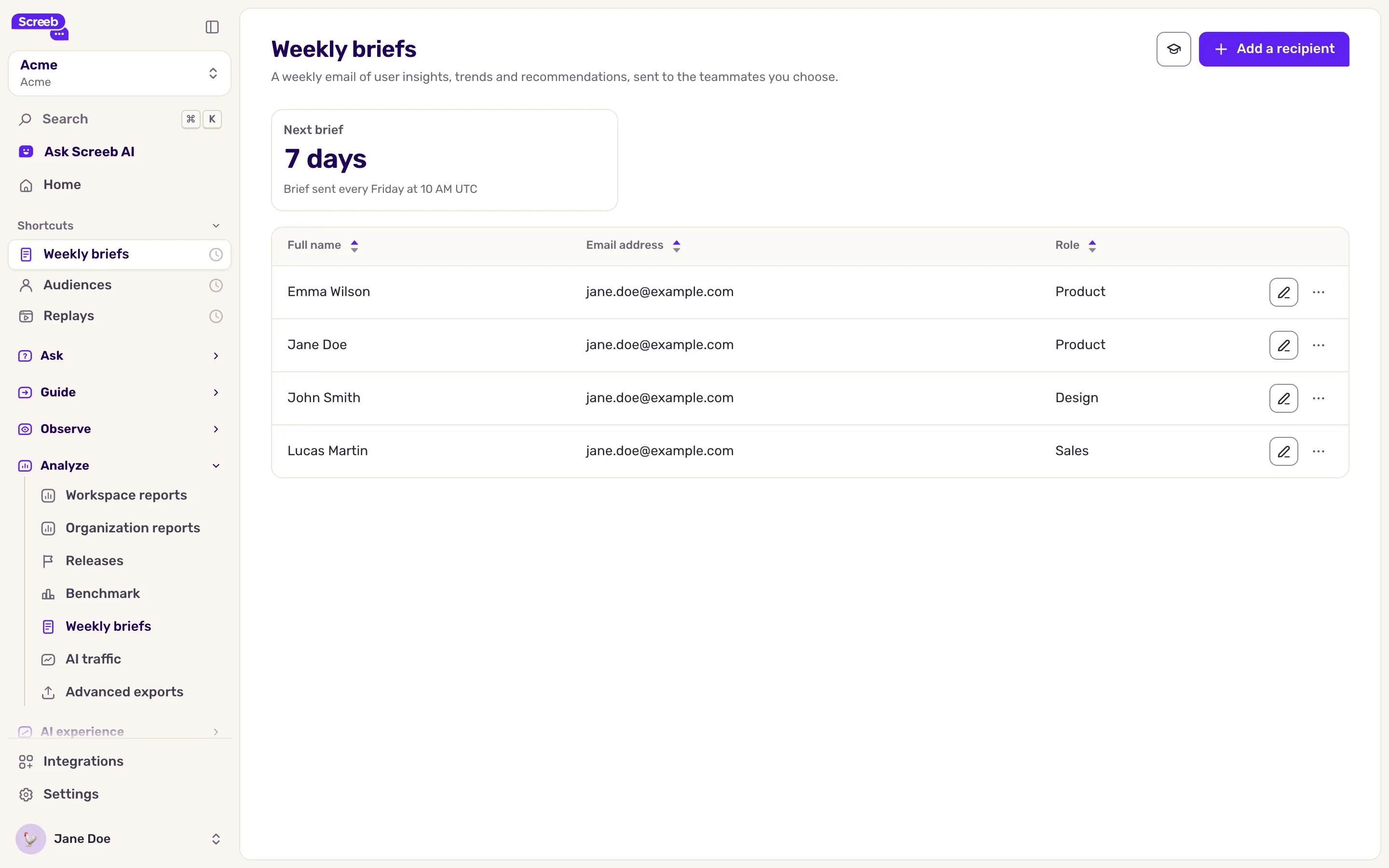
Each recipient gets one email a week, as shown on the page: Brief sent every Friday at 10 AM UTC. The page also counts down to the next one. The brief covers the last seven days of the workspace:
- a summary of the answers to the open-ended questions of your surveys;
- the conversion and drop-off at each step of your funnels;
- how many users interacted with your messages and product tours.
It ends with a list of next steps. The brief is written in English.
Troubleshooting
Section titled “Troubleshooting”A recipient gets no email. Check the address in the list, then their spam folder: the brief comes from Screeb.
The brief says little. No open-ended answer, funnel or message activity came in that week. See Build and read funnels.