

Configure AI settings for your organization
Describe your company to the AI and tune how it summarizes surveys, sessions and weekly briefs for your organization.
The AI settings of your organization give the AI context about your company and change how it writes its summaries. They apply to all the workspaces of the organization.
Before you start
Section titled “Before you start”- You need the Admin organization role to save changes.
- AI features are available unless your organization has opted out of them, and these settings cannot turn them on: contact support to change that. The AI settings do not show for an organization that opted out.
- To learn what the AI receives and which models it uses, read AI at Screeb: data, models and privacy.
Describe your company
Section titled “Describe your company”- Open your organization, click Settings in its sidebar, then, under AI, click General.
- Under Company context, describe the activity of your organization and fill in Industry description: both are required, from 10 to 1,000 characters.
- Optionally, list your Main company goals, such as reducing churn or improving onboarding.
- Click Save at the top of the page.
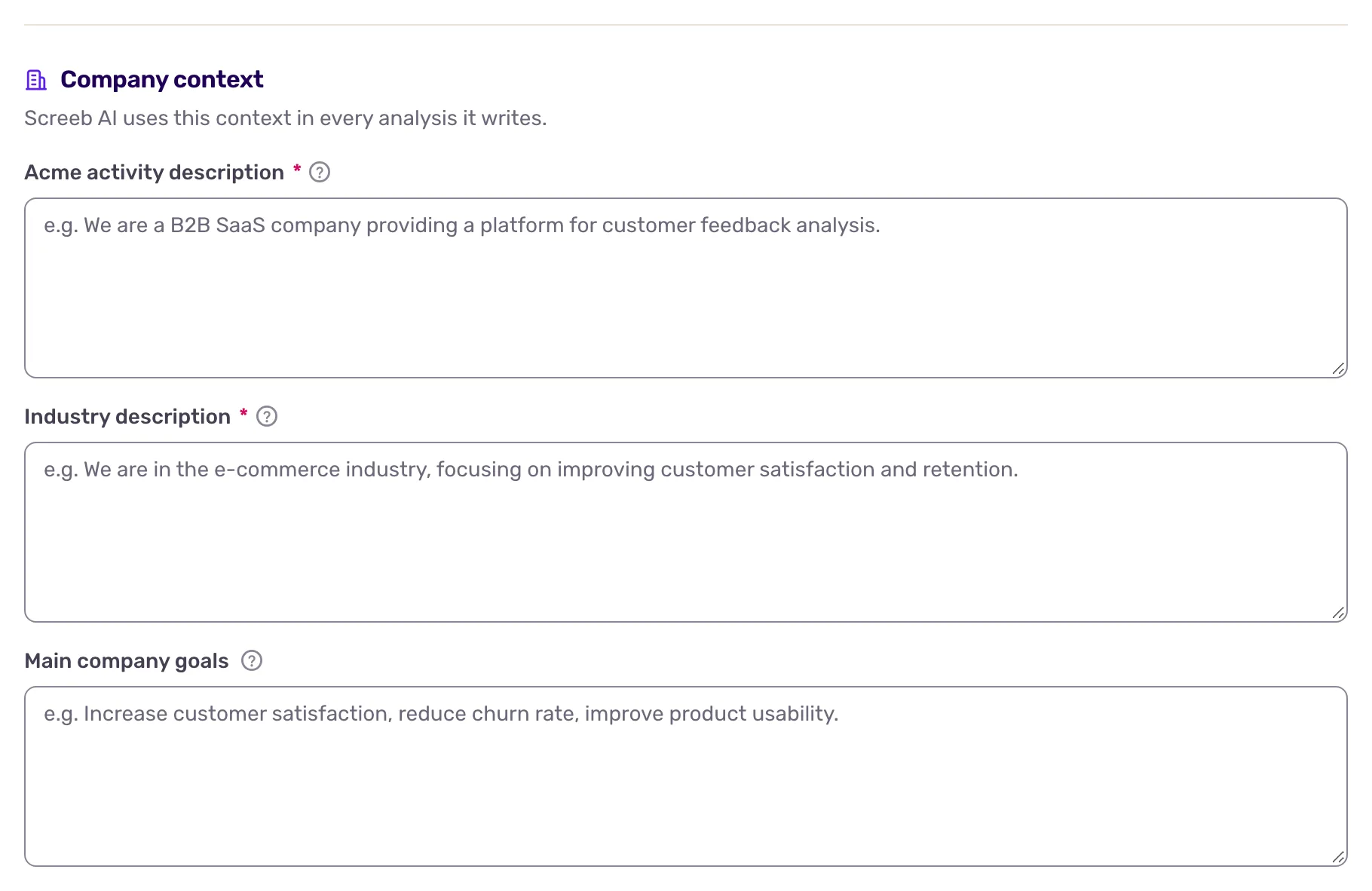
This context also feeds the AI analysis of the benchmark, see Compare your scores with your industry. The industry you are compared with there is set separately.
The same page shows the address of the MCP server, see Connect an AI assistant to the Screeb MCP server.
Tune summaries and analyses
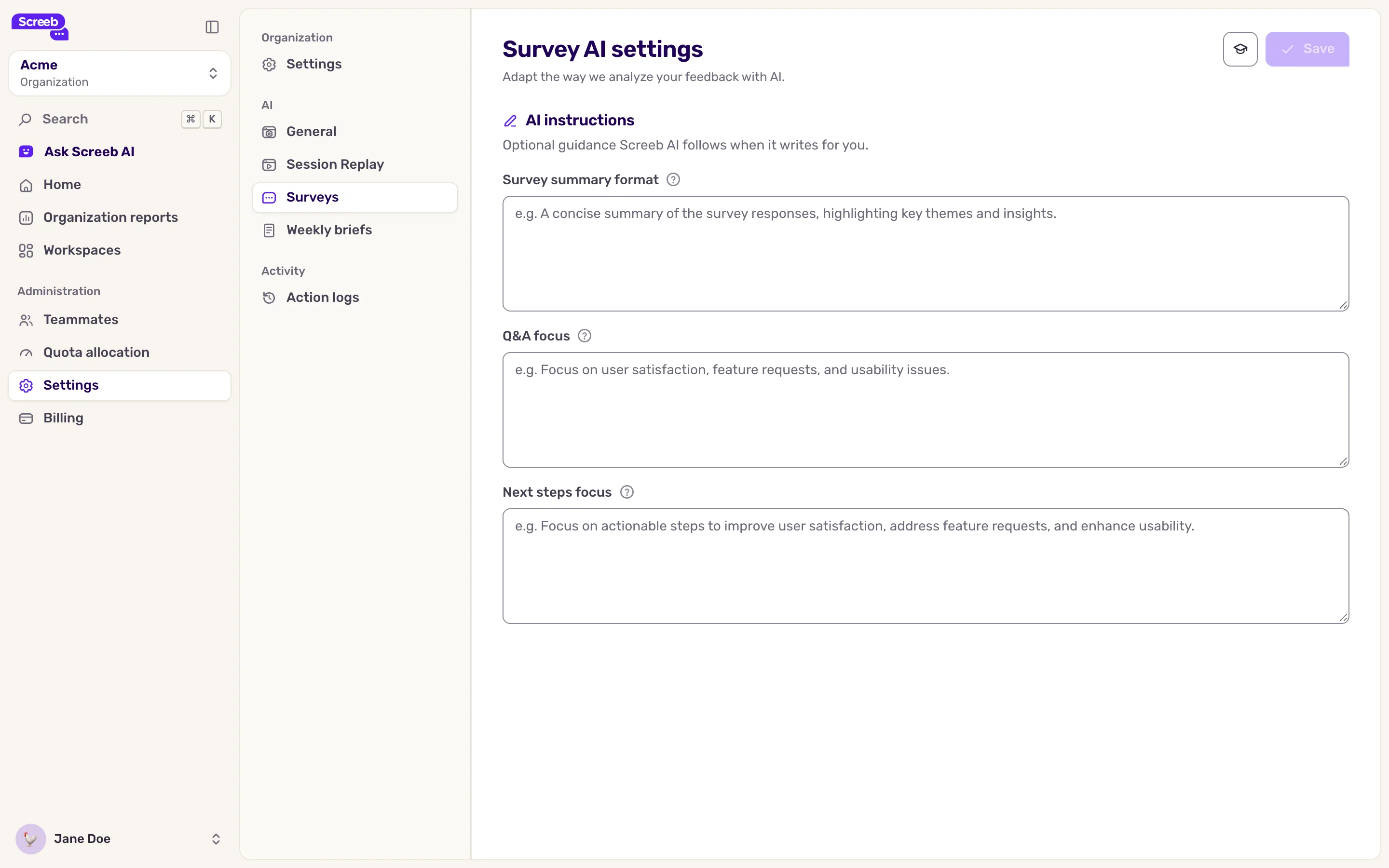
Section titled “Tune summaries and analyses”Under AI, three pages hold instructions in plain language. All fields are optional: leave one empty if you have no preference.
| Page | Fields | Used for |
|---|---|---|
| Surveys | Survey summary format, Q&A focus, Next steps focus (1,000 characters each) | The AI analysis of survey responses |
| Session Replay | Main summary format, Session summary format (500 characters each) | Summaries of a set of sessions and of one session |
| Weekly briefs | Main summary format, Main summary focus (500 characters each) | The summary of your weekly briefs, see Send weekly briefs to your team |
Write what you expect, for example “Start with the three main pain points, then quote one response for each”. Click Save on each page. New analyses and summaries follow your instructions.
What you get
Section titled “What you get”From the next analysis on, the AI features of the organization take your company context and instructions into account where they apply.
Troubleshooting
Section titled “Troubleshooting”Save stays disabled. A required field is empty or too short, or a field is over its character limit. Without the Admin organization role, the form is read-only and Save says why: ask an admin to make the change.