

Understanding user events
Learn what user events are, where Screeb receives them from and how they help you target surveys and understand behavior.
A user event is an action a user performs in your site or app, at a given moment: “Product added to cart”, “Report exported”, “Subscription renewed”. Each event has a name, a time and, optionally, properties that describe it.
When to use them
Section titled “When to use them”- Display a survey after an action. Ask for feedback right after a user exports a report or finishes onboarding.
- Target on behavior. Show a survey to users who performed an event a number of times, recently, or in a given sequence.
- Understand a user. Read what a user did before answering a survey, on their profile or in a session replay.
How it works
Section titled “How it works”Events reach Screeb from the Screeb SDK, the Screeb API, or a tool connected as a source (Segment, RudderStack, Amplitude, Contentsquare). The source shows next to each event in the settings. To send events, see Track and manage user events.
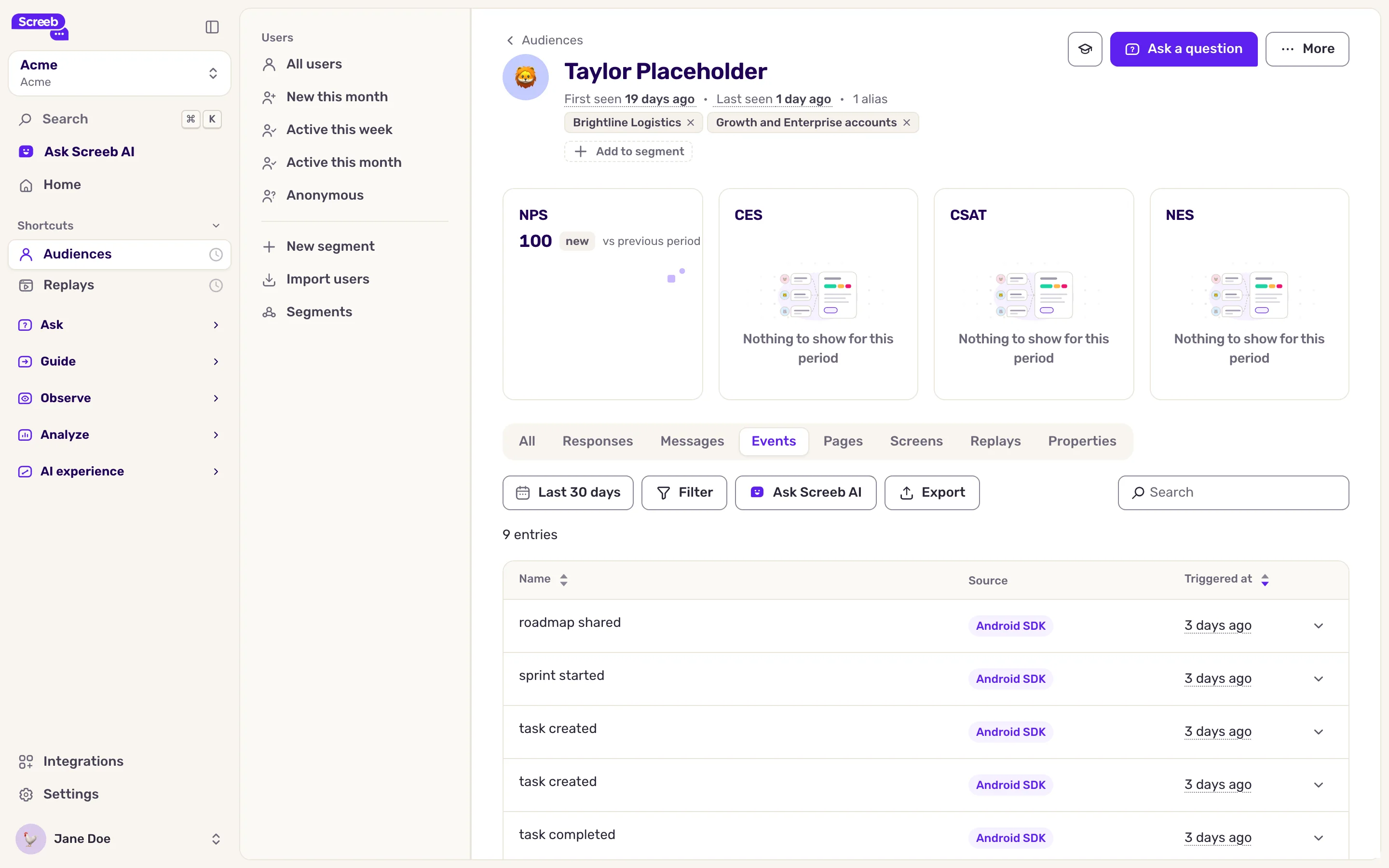
To see the events of one user, open Audiences, click a user, then the Events tab. Every event received in the workspace is listed in Settings, User events.
Page views and mobile screen views are tracked apart from events. They have their own lists in the settings: Page views and Mobile screens.
Limits
Section titled “Limits”- An event name has 1 to 128 characters: letters, numbers, spaces and the characters
-_./:. - An event carries up to 1,000 properties, with names of 128 characters at most. Values are text, numbers, booleans or dates.
- Contentsquare events are available in Screeb about 4 hours after they happen.