

Measure conversions and revenue by zone
Pick the event that counts as a conversion and the property that holds its amount, to see which zones of a page lead to conversions and revenue.
The Conversion and Revenue metrics of heatmap zones show which areas of a page are followed by a conversion. They read a conversion event that your site sends.
Before you start
Section titled “Before you start”- The page has zones, see Track page areas with heatmap zones. The settings are in the toolbar of its Zones view.
- Your site sends a conversion event through the Screeb tag.
Set the conversion event
Section titled “Set the conversion event”A conversion is a track event your site sends through the Screeb tag when a visitor converts, for example after a purchase or a signup, see Track and manage user events. By default, Screeb counts the screeb_conversion event and reads the amount from its revenue property.
To use another event or property:
- In the zones toolbar, click the settings icon, Conversion settings.
- In Conversion event name, type the track event that counts as a conversion. Case and spaces do not matter.
- In Revenue property, type the property of that event that holds the amount.
- Click Save. The figures reload.
Leave a field empty to use its default.
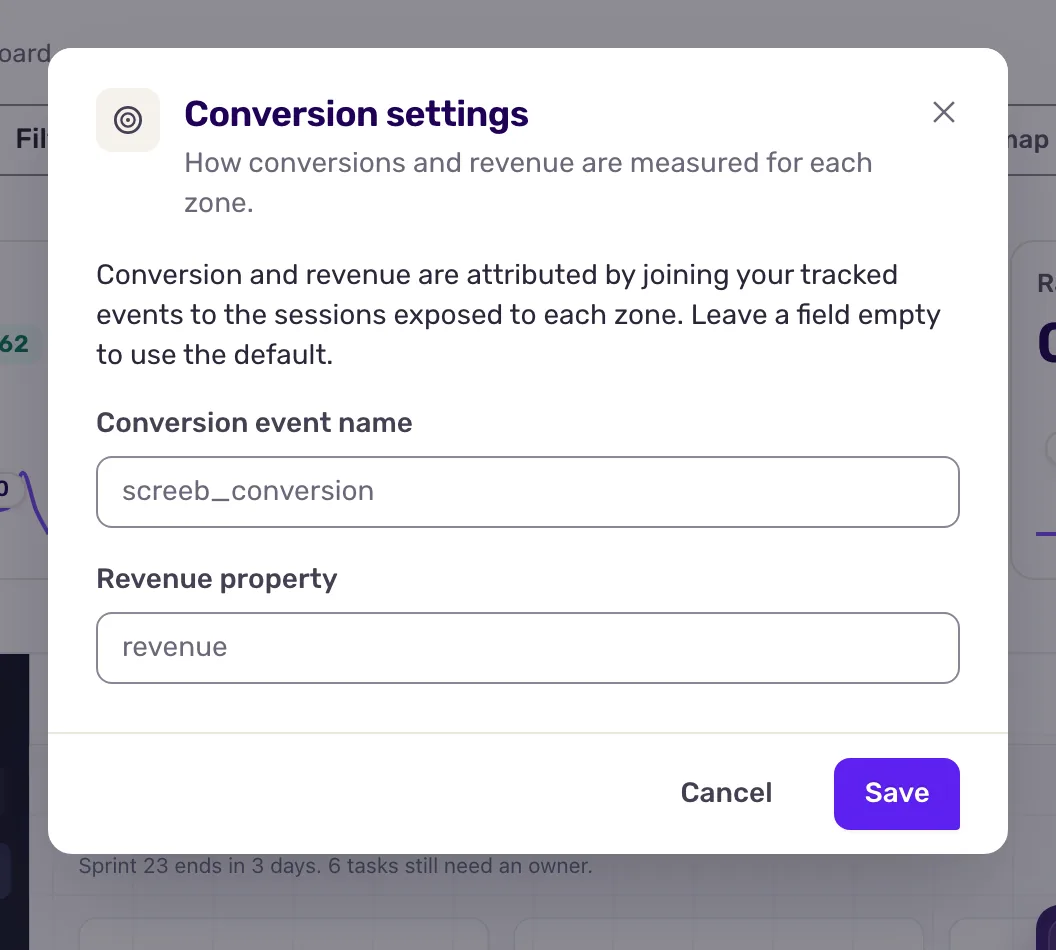
These settings drive the Conversion and Revenue metrics, on the heatmap and on the Zones page. They are saved in your browser only: your teammates do not see them, and you set them again in another browser.
Conversion and revenue only count sessions recorded since zones were released, and only events sent by the tag in the visitor’s browser. Older sessions, and events sent from your servers through the API, count as zero. Exposure, exposure time and click rate cover your whole history.
What you get
Section titled “What you get”For each zone, the share of the sessions that saw it and then converted, and the revenue those conversions carried.
Troubleshooting
Section titled “Troubleshooting”Conversion stays at zero. Check that your site sends the conversion event set in Conversion settings (screeb_conversion by default) through the tag, during the same visit. These settings are per browser: set them again if you changed browser. Sessions recorded before zones were released never convert.