

Delete survey responses
Delete every response of a survey that matches your filters and period, for test answers or a bad batch of data.
Remove the responses you no longer want in your results, such as test answers or responses collected by mistake. You choose them with the filters and the period of the page.
Before you start
Section titled “Before you start”- Your role must allow deleting responses. If Delete filtered responses does not show, ask a workspace admin.
- Deleted responses can’t be restored. To keep a copy, export them first: see Export survey responses.
Delete the responses
Section titled “Delete the responses”- Open the survey, click Analyze, then All responses.
- Set the period and the filters so that the page shows only the responses to delete. See Filter survey responses.
- Click More at the top right, then Delete filtered responses.
- Type DELETE to confirm, then click Delete.
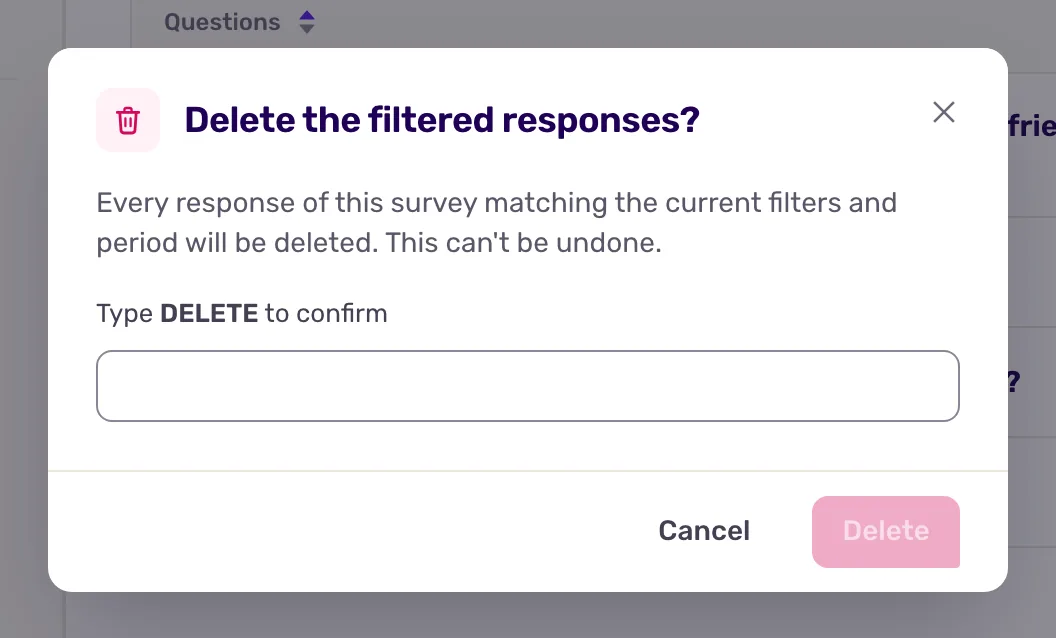
Every response of the survey that matches the period and the filters is deleted, including partial ones, not only the answers to the question you are looking at.
What you get
Section titled “What you get”A message tells you how many responses are being deleted. The deletion runs in the background: the responses leave the reports, exports and scores within a few minutes.
One deletion removes up to 10,000 responses. When more match, the message says so: wait for the first batch to finish, then delete again.