

Change the admin language
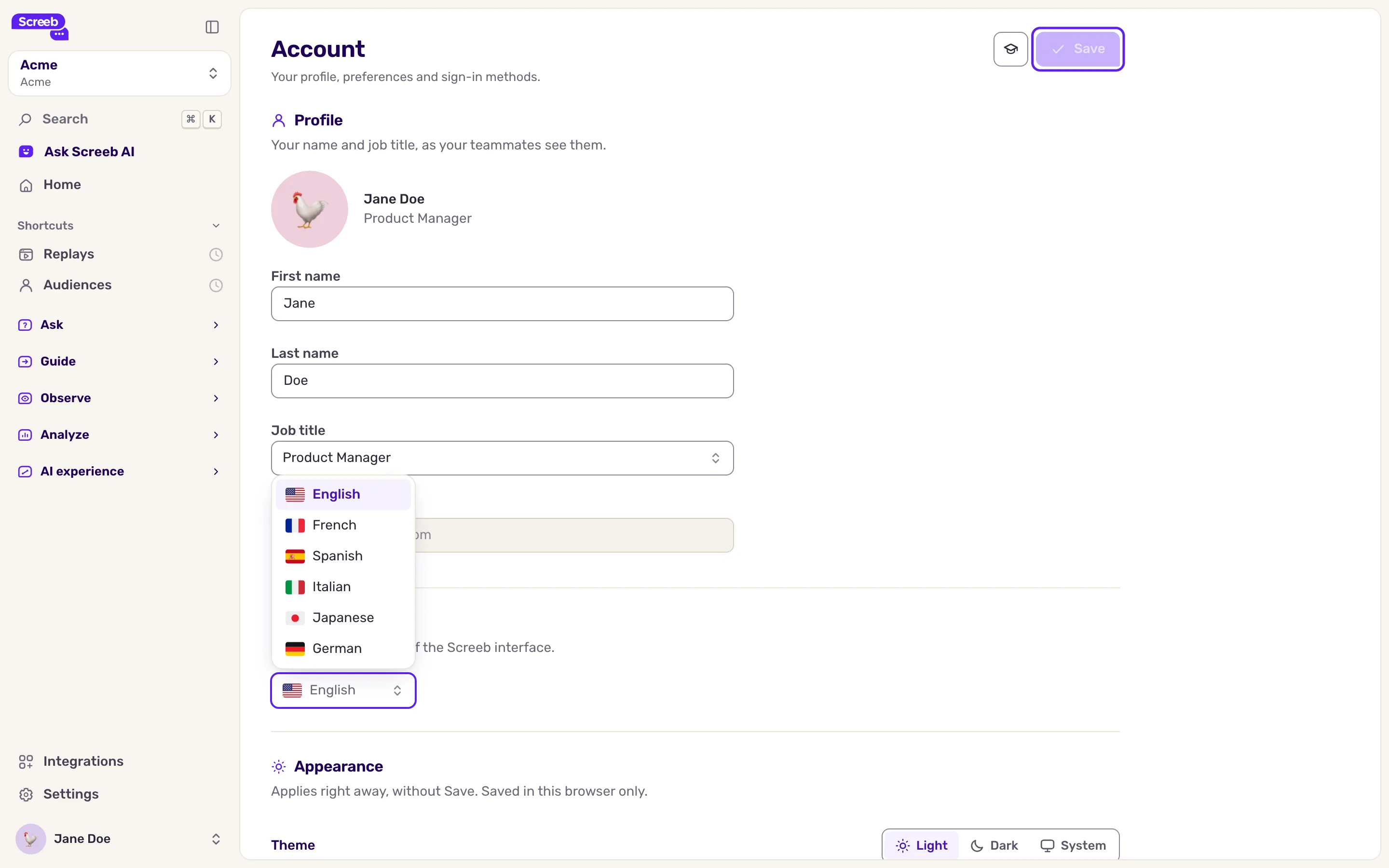
Pick the language of the Screeb admin in your account settings, among English, French, German, Italian, Japanese and Spanish.
Choose the language of the Screeb admin. The setting belongs to your account: it follows you in every workspace and on every device, and does not change the language your teammates see.
Before you start
Section titled “Before you start”- The admin is available in English, French, German, Italian, Japanese and Spanish.
- When you sign up, Screeb uses the language of your browser if it is one of these, and English otherwise.
- This setting does not change the language of your surveys and messages. That is set on each survey or message.
Change the language
Section titled “Change the language”- Click your name at the bottom of the sidebar, then Account. The Account page opens.
- In the Language section, pick a language in the list.
- Click Save in the page header. The page reloads in the new language.
What you get
Section titled “What you get”Screeb confirms with “Account updated” Every page of the admin now shows in the language you picked.
Troubleshooting
Section titled “Troubleshooting”The language did not change. Picking a language is not enough: the change only applies once you click Save. The button stays disabled until something has changed or while a field of the page needs fixing, such as an empty first name.
A label is missing or wrongly translated. Tell us through the chat in the admin, and say which page and which language.